💳 24H TRIAL — $1
Full premium access for $1.
How to Install IPTV on Samsung & LG in 2026 (IBO Player Guide)
Have a Smart TV? Forget boxes. Here is how to install IBO Player Pro directly on your TV.
Q4TV Expert
In short: to install IPTV on a Samsung (Tizen) or LG (WebOS) Smart TV in 2026, download the IBO Player Pro app from your TV's store, note the Device ID and Device Key shown on screen, then send them to your provider's support to activate your playlist remotely in 2 minutes — no box, no cables, and no complicated m3u file.
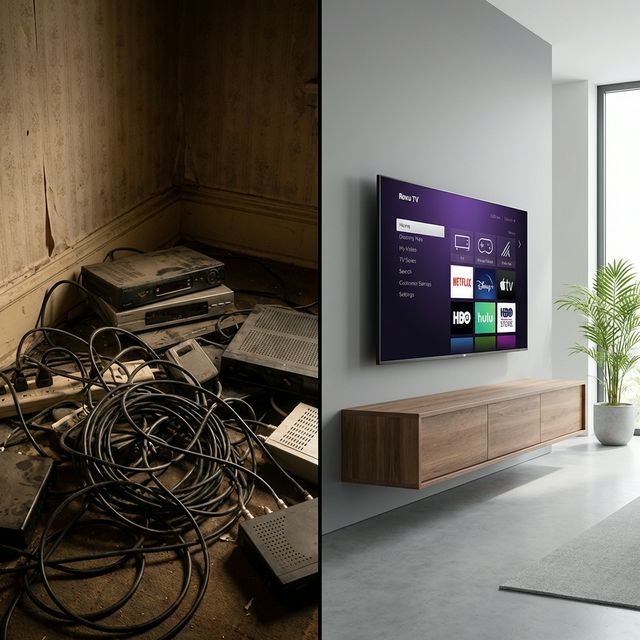
Smart TV: the box-free streaming solution
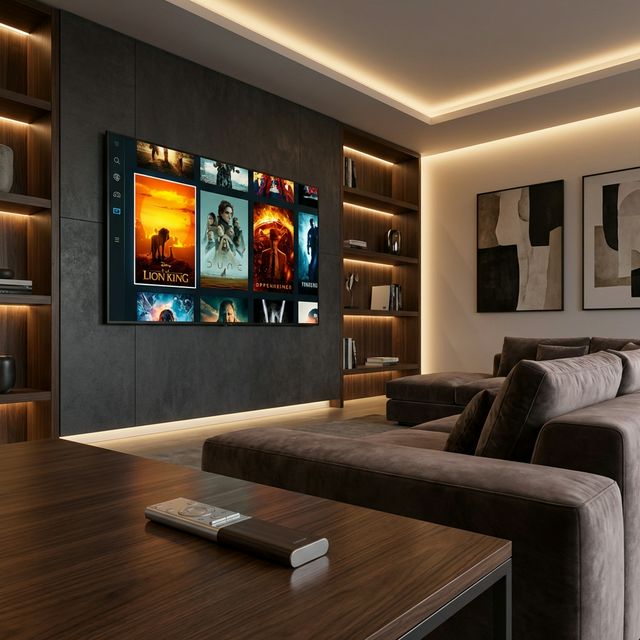
You have a great 4K Samsung or LG TV but don't want to clutter your setup with an Android box or a Firestick? Good news: in 2026, native apps have finally caught up and let you watch 79,000+ channels and 249,000+ movies straight from your television. New to this? Start with our guide to what IPTV is to understand how the technology works before you begin.
A native Smart TV install has three advantages: less hardware, fewer remotes, and minimal heat. The only downside is that Tizen and WebOS apps are often paid after a trial period (see below). To compare with an HDMI-stick install, read our install IPTV on Amazon Firestick tutorial.
Step 1: Download IBO Player Pro
On the Samsung (Tizen) or LG (WebOS) store, type "IBO Player" in the search bar. Install the "Pro" or "Main" version — it is the most stable app right now, with a Netflix-style interface showing posters, summaries, and a full EPG (program guide). Compatible alternatives if IBO isn't available in your region: Smart IPTV (SIPTV), Set IPTV, or XCIPTV. For a player comparison, see our guide to the best IPTV app of 2026.
Step 2: Get your codes (Device ID & Key)
On first launch, the app displays a Device ID (often a MAC address like 00:1A:79:XX:XX:XX) and a Device Key on screen. Write down both codes or take a photo: they are required to link your subscription to this specific television. Each TV has a unique Device ID, so keep it handy if you plan to set up several screens.
Step 3: Easy setup (remote activation)
With Q4TV, just send a photo of those codes to our Telegram support. We load your playlist remotely in 2 minutes — no need to manually type an m3u link or Xtream Codes on the TV's slow, painful virtual keyboard. Simply reopen the app to see all your channels sorted by country and category. To start from scratch, follow our guide to getting IPTV in 5 minutes.
Step 4: Check quality and the EPG
Once the playlist loads, open a 4K channel to confirm smoothness. A good stream starts in under 2 seconds and zaps in less than 0.5 seconds. If the picture stutters, the issue is almost always the network, not the app: prefer a wired Ethernet (RJ45) connection over Wi-Fi for TVs far from the router. Our guide on how to stop IPTV buffering covers every setting.
Common issue: the "Trial Expired" message
Almost all good Smart TV apps (IBO Player, Smart IPTV, Set IPTV) are free for 7 days, then require a lifetime license of roughly $6 to $8 per device. That is the price of stability: these apps maintain update servers and active support. If you see this message, you can pay the license directly on the developer's website, or ask our team to handle it for you during activation.
"IBO Player on my LG OLED TV with Q4TV's 4K stream is just stunning." — Karim, Marseille
Samsung Tizen vs LG WebOS: any differences?
- Samsung (Tizen): full store, IBO Player and SIPTV available; some pre-2018 TVs limit third-party apps.
- LG (WebOS): excellent IBO Player and XCIPTV compatibility; OLED panels deliver the best blacks for sports and movies.
- In both cases: enable system updates and keep the TV connected to avoid dropouts.
Still deciding between IPTV and traditional services? Compare costs and catalog in our IPTV vs Netflix & cable breakdown, and explore our Q4TV plans from around $79 per year with instant activation and a 15-day money-back guarantee.
FAQ
How do I install IPTV on a Samsung or LG Smart TV without a box?
Download IBO Player Pro from the Tizen (Samsung) or WebOS (LG) store, note the Device ID and Device Key shown on screen, then send them to your provider. With Q4TV, your playlist is activated remotely via Telegram in 2 minutes, with no m3u file to type in.
Why does my app show "Trial Expired"?
Most Smart TV players are free for 7 days, then require a lifetime license of about $6 to $8 per device. Pay it on the developer's website, or ask our support to handle it during activation.
Is IPTV legal on my Smart TV?
IPTV technology is perfectly legal; legality depends on the provider's content licensing. Choose a transparent service that offers a trial and clear support. Details in our is IPTV legal guide.
Can I use the same subscription on my TV and my phone?
Yes, within the simultaneous-screen limit of your plan. Each device has its own identifier. For details, see our guide on using IPTV on multiple devices, or test first with our free 24-hour trial.
Conclusion
Smart TV installation is now child's play: one native app, two codes to send, and you enjoy your 4K screen without extra cables or a box. Explore the Q4TV plans or get started in 5 minutes.
Share This Article
Newsletter
New arrivals, events, style guides & special offers.
Recommended Articles
Best IPTV 2026: Complete Guide to Choosing Your Subscription
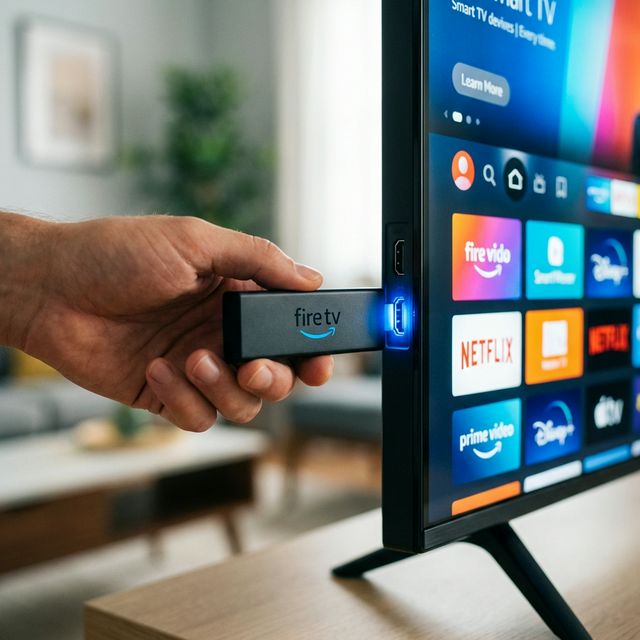
How to Install IPTV on Amazon Firestick in 2026 — Step-by-Step Guide
Streaming vs Cable: Why Millions of French People Are Switching in 2026